 Chess Revision
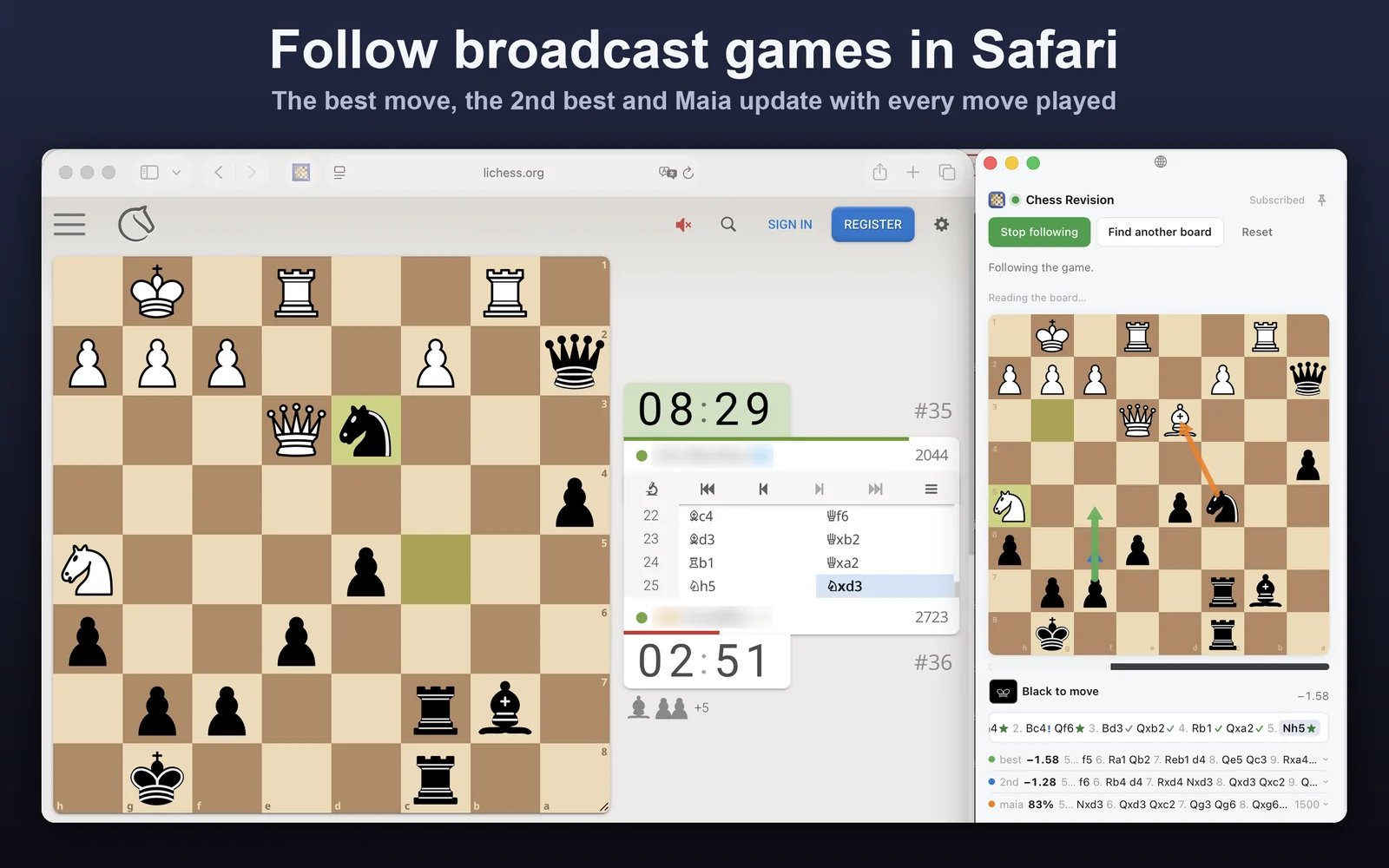
A Mac app with a Safari extension. Click its button on any page with a chess board, a broadcast, a stream or a video, and the panel follows the game move by move.

It finds the board, reads every move and keeps the move list as the game goes on.
The engine's best and second-best move and the move a player at your rating would play, drawn as arrows.
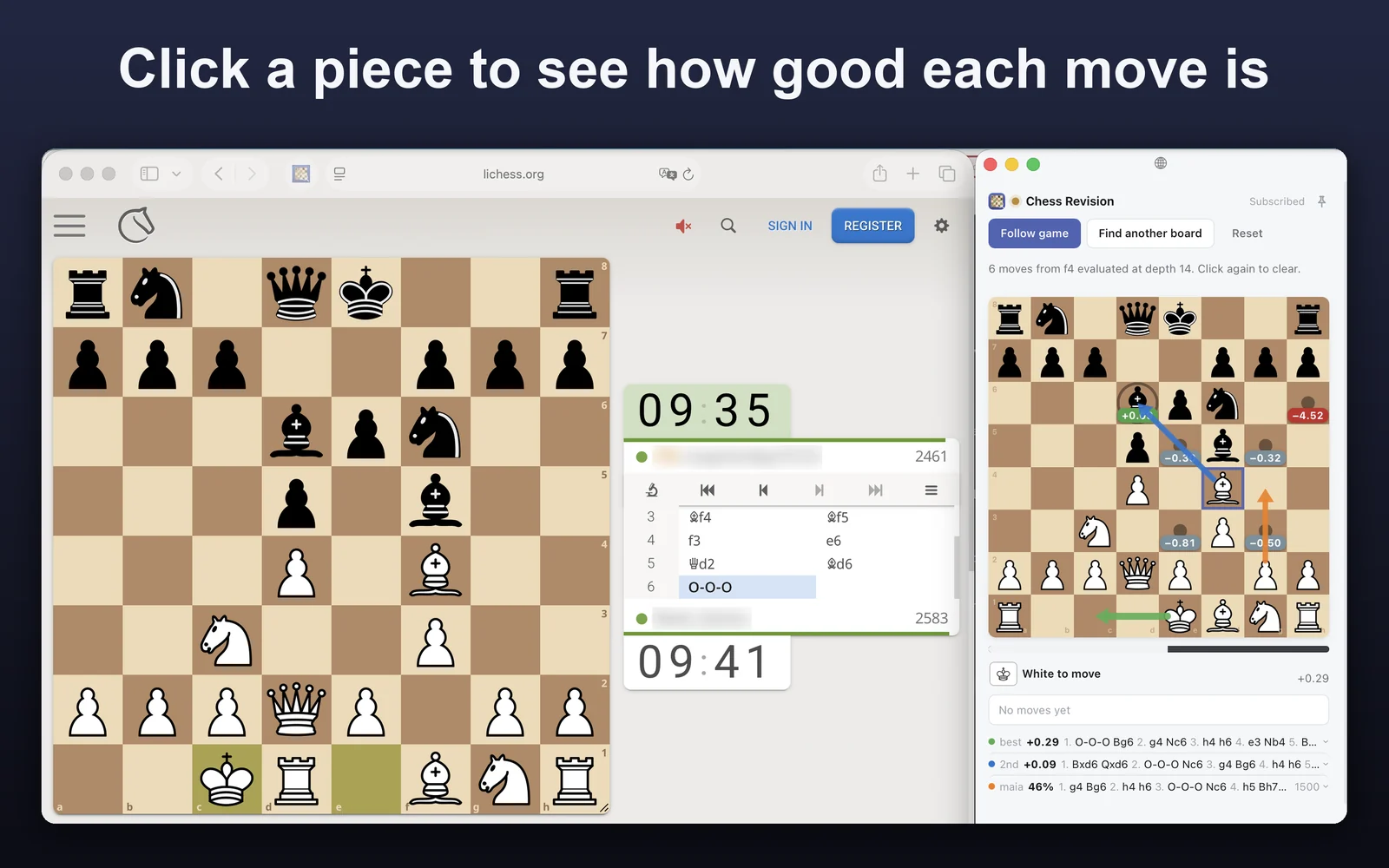
Click a piece to see where it can go and what each of those moves is worth.
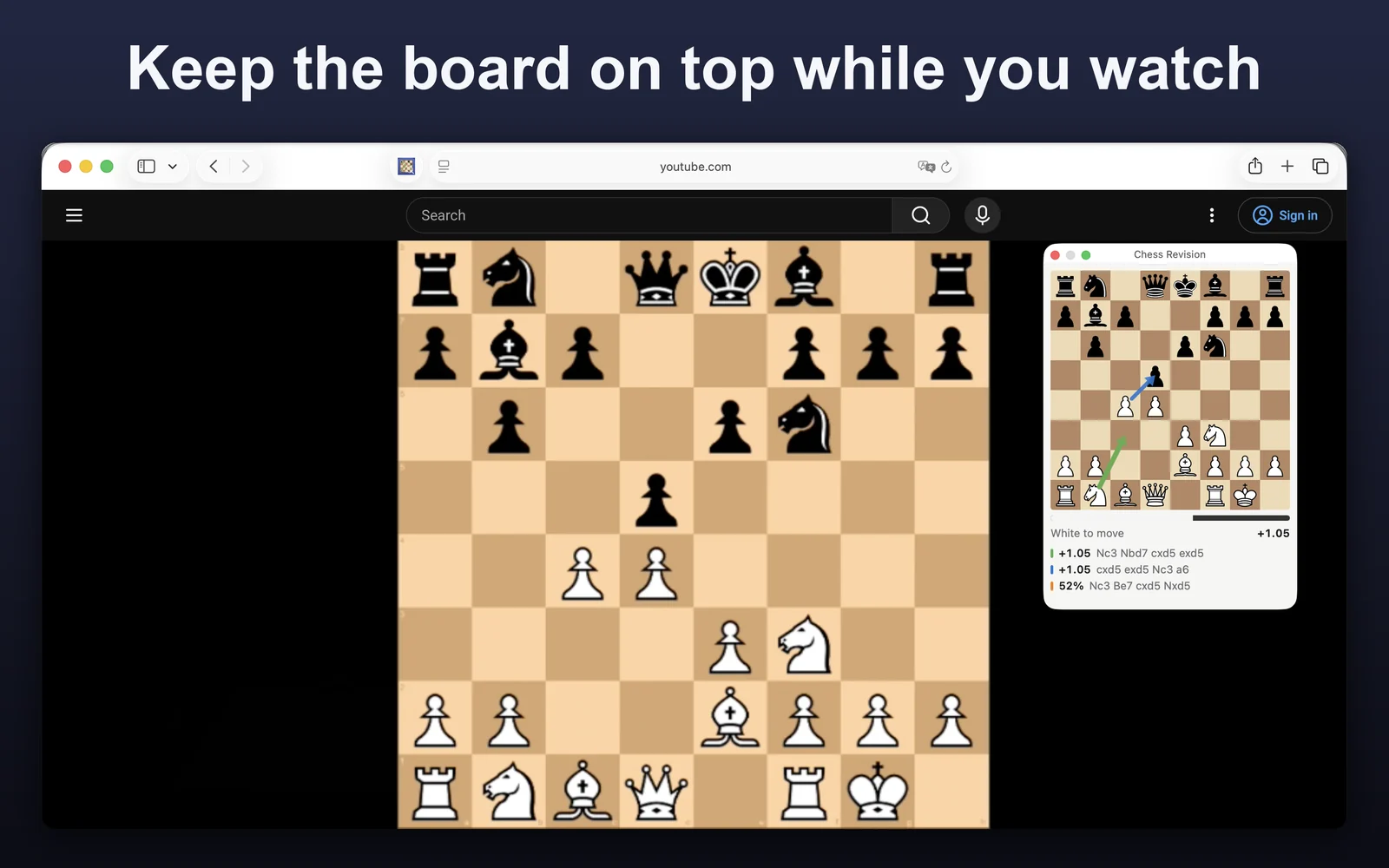
Pin the board and it floats above other windows, so you can watch a video full screen and still see the analysis.
Take over from any position and play your own moves, each one graded, or play it out against Maia at a rating from 1100 to 2100.
Accuracy for both sides, the evaluation graph and every move graded, the same review as in the iPhone app.
Master games that reached the same position, and the tablebase's verdict once seven pieces or fewer are left.
Type a username to pick from its recent games or paste a game link, and the game opens with its full review. Free use includes 3 imports a day. Every game you import, follow or play is kept under Played, ready to copy as PGN or FEN.
Try it free. Subscribe when you want it for every game.
No account, no card.
Subscribe in the Mac app through the App Store.
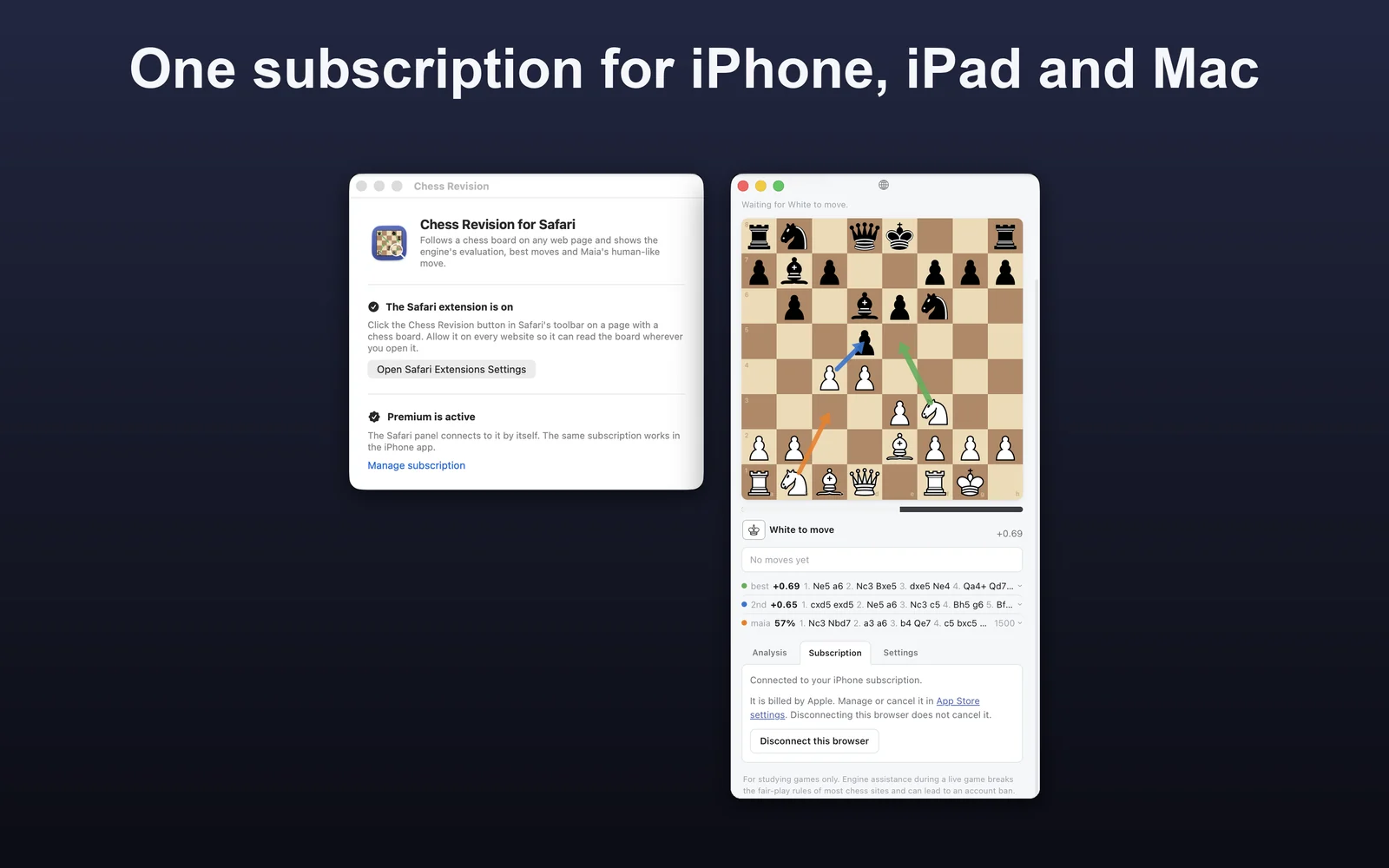
The price in your currency is shown in the app before you subscribe. Already subscribed to Premium in the iPhone app? Choose Restore purchases in the Mac app and the Safari panel connects by itself.
Open the Chess Revision app once, turn the extension on in Safari Settings › Extensions and allow it on every website.
Apple. The subscription is billed to your Apple ID like any other App Store subscription.
Any time in your App Store account settings. It keeps working until the paid period ends.
Only the board, and only while the panel is following it. See the Privacy Policy.